Save videos to Photos in one tap
Add our Shortcut once. From then on, tap Share › xMediaFetchBot in any app and the video is saved to your Photos library — with sound.
How it works
- 1
Add the Shortcut
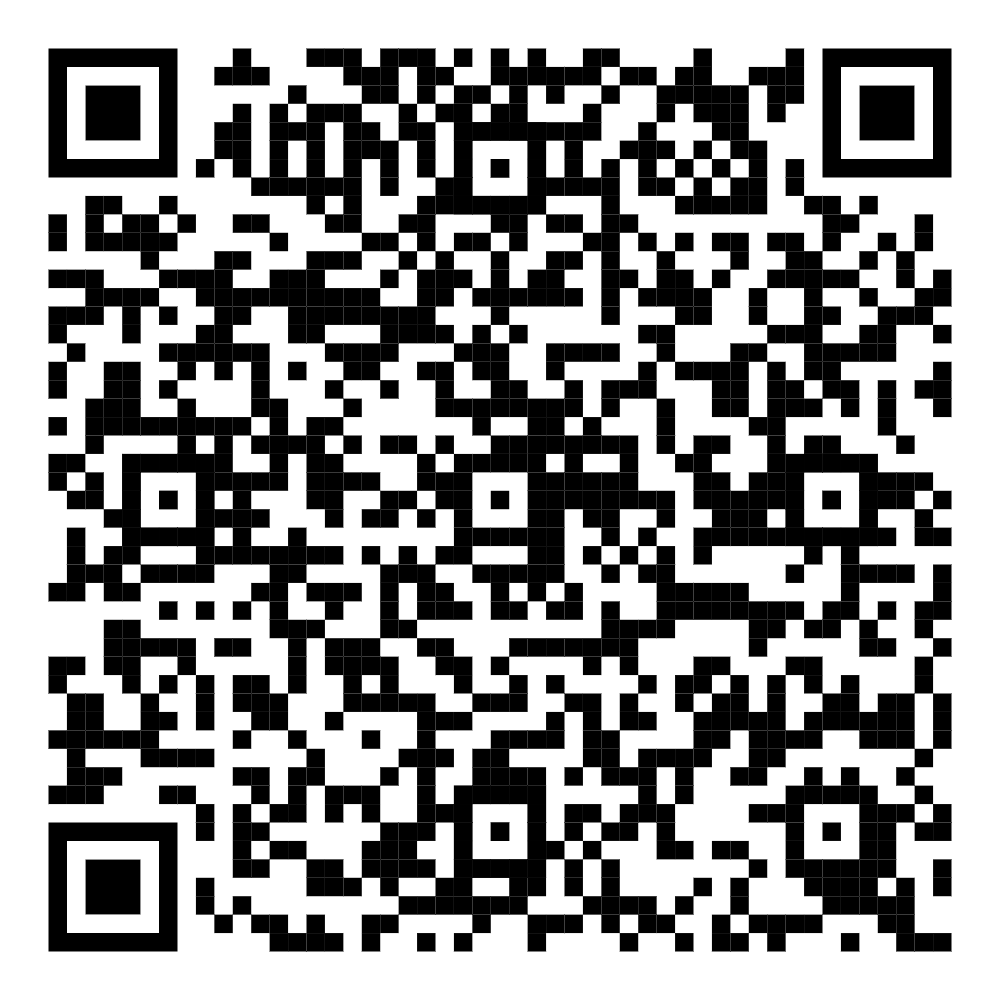
Tap Add the Shortcut on your iPhone (or scan the QR code) and confirm Add Shortcut in the Shortcuts app.
- 2
Share a video
In X, YouTube, TikTok, Bilibili or Safari tap Share. Choose xMediaFetchBot from the share sheet (tap More if you don't see it).
- 3
Find it in Photos
A few seconds later the video is in your Photos library, sorted by today's date and ready to watch offline.
Why use the Shortcut
Fastest
No browser, no Files app.
Skip copying links and digging through downloads — it's one tap from the app you're already in.
Compatible
Always saves.
We pick an H.264 MP4 with sound, the format the Photos app accepts every time.
Pro
Your key works here too.
Pro members can enter their key once to unlock higher qualities and remove limits in the Shortcut.
Install the Shortcut
- Open this page on your iPhone or iPad and tap Add the Shortcut, or scan the QR code with the Camera app.
- The Shortcuts app opens. Tap Add Shortcut.
- The first time you run it, iOS asks for permission to contact our server and to add items to Photos — tap Allow.
Use it
In any app, tap Share on a post or video, then choose xMediaFetchBot. If it isn't in the list, scroll the app row to the end, tap More and turn it on — you can also drag it to the top of your favourites.
You can also copy a link and run the Shortcut from the Shortcuts app or the home screen: it reads the link from your clipboard.
Using a Pro key
When the Shortcut asks for a key the first time, paste your Pro key (or leave it empty for the free version). Your key is stored only in the Shortcut on your device.
Troubleshooting
- “Couldn't communicate with a helper application” — check your internet connection and try again.
- The video didn't appear in Photos — open Settings › Privacy & Security › Photos › Shortcuts and allow access.
- It says the link isn't supported — make sure you shared a single post or video, not a profile or playlist.